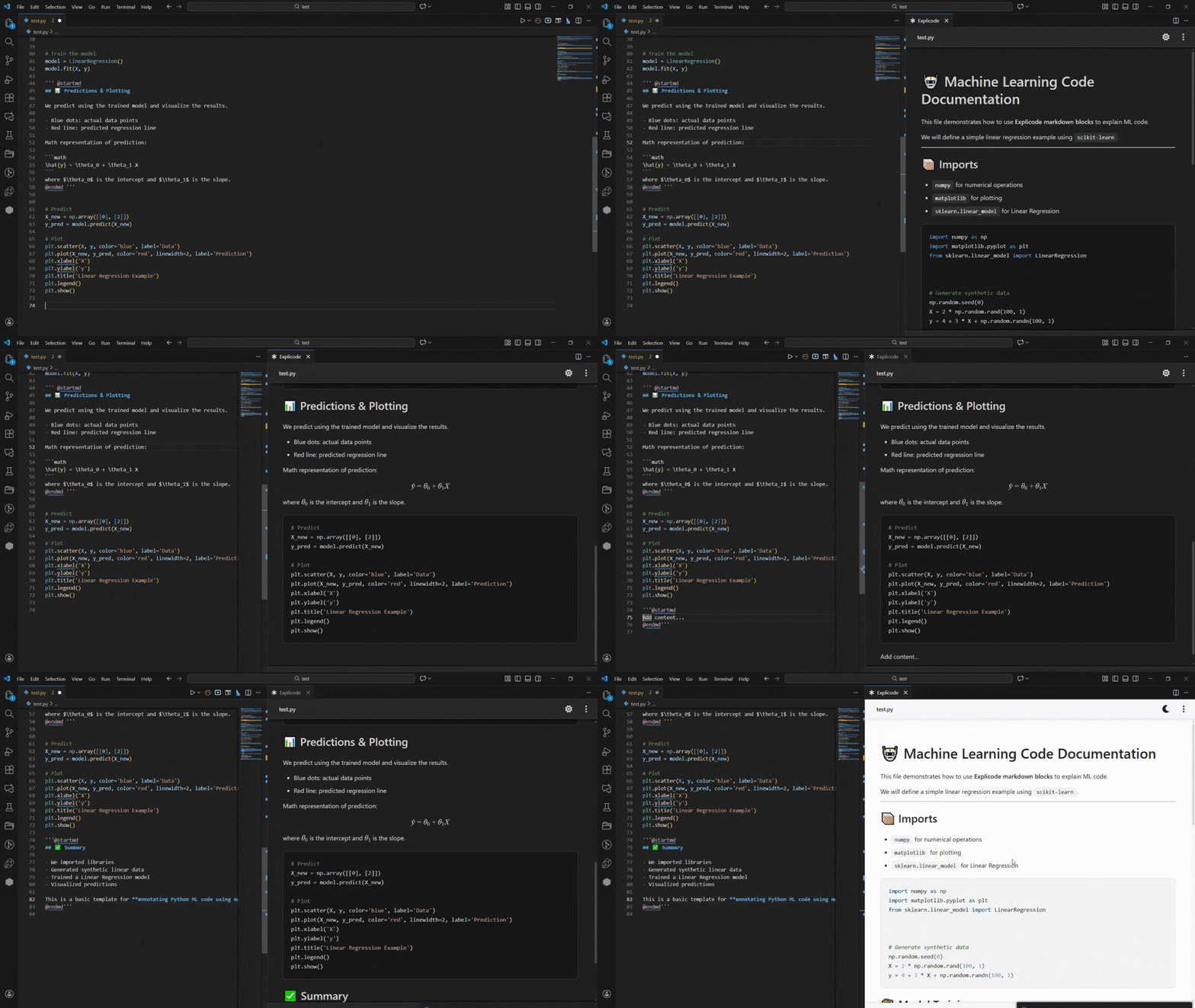
Quick Start: VS Code Extension
The first step is to install the Explicode VS Code extension via the Marketplace. Alternatively, in VS Code, open the Extensions panel (Ctrl+Shift+X or Cmd+Shift+X on Mac), search for Explicode, and click Install.
Once installed, open any supported file and either:
- Press
Ctrl+Alt+E(orCmd+Alt+Eon Mac), or - Right-click in the editor and select Open with Explicode
This opens a live preview panel on the right that updates in real time as you edit your code comments.
The ⚙️ button in the preview header provides additional functionalities:
- Switch themes between Dark and Light
- Open the full guide
- Download the rendered documentation as
.mdor.html